How to Find Winning Products by Researching Shopify Stores

The short answer
Add /collections/all?sort_by=best-selling to a competitor's Shopify domain to see their best sellers, and ?sort_by=created-descending to see what they're testing. Then confirm the product is still selling (recent reviews, running ads, sold-out variants), check it isn't saturated, and make sure the margin can pay for ads.
Most "winning product" advice comes down to scrolling TikTok and hoping. There's a better source: Shopify stores that are already selling. Every Shopify store exposes a surprising amount about what sells, if you know where to look. This guide shows you how to read those signals, how to tell a real winner from a product that only looks popular, and how to validate a product before you spend money on it.
What is a "winning product", really?
A winning product is one that sells profitably at scale. It isn't simply popular: it has proven demand, enough margin to pay for ads, and room for another seller. A product with millions of views and a 20% margin is not a winner. A boring product that has sold steadily for a year at a 70% margin might be.
That's why researching real stores beats browsing trend feeds. Views measure attention. Store data shows what people actually paid for.
Where do you find products that are already selling?
Start with stores in your niche that are clearly doing well: they run ads consistently, have lots of reviews, and keep adding products. If you don't have a list yet, our guide on how to find Shopify stores in any niche covers seven ways to build one.
Then use the sorting that Shopify builds into every store.
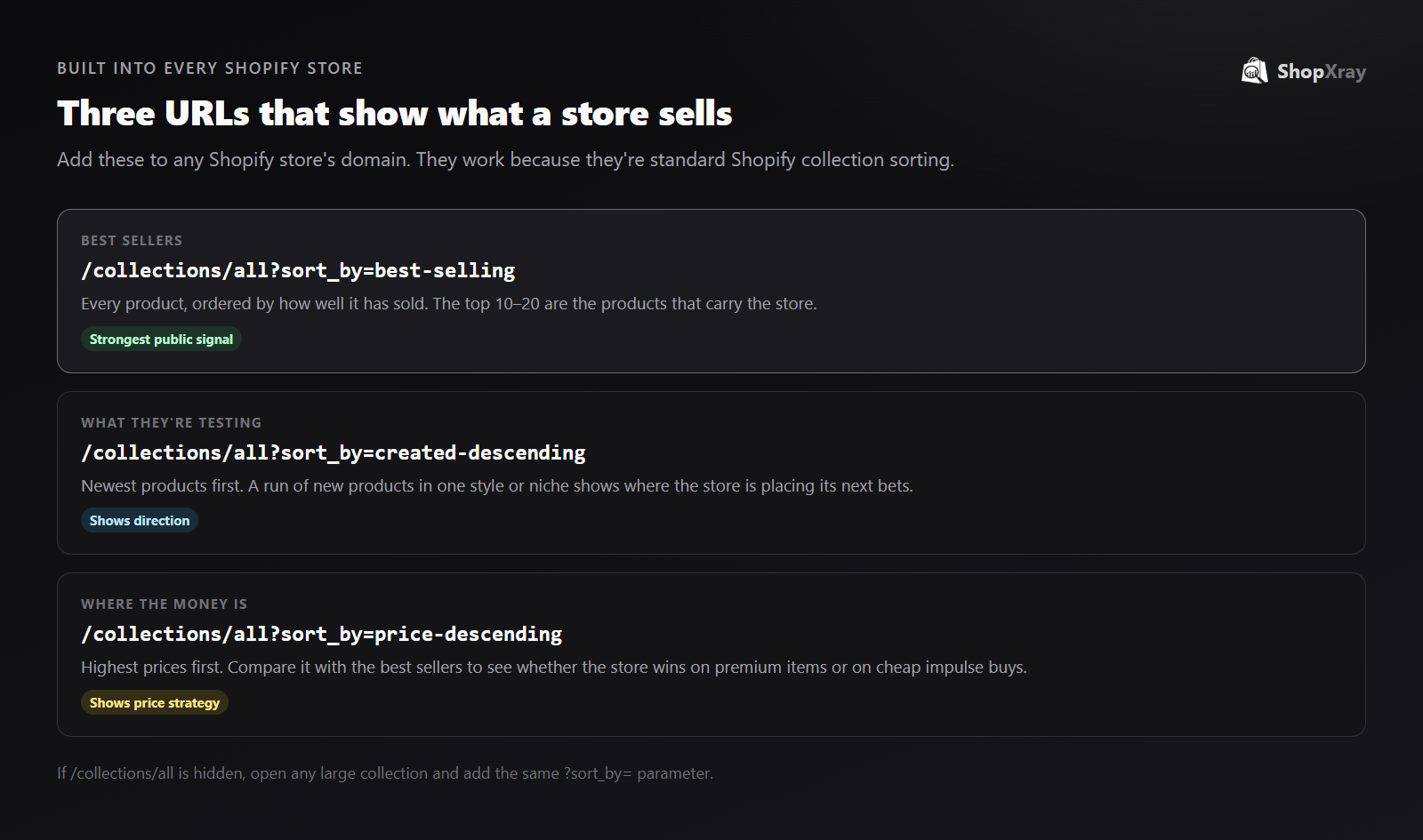
Sort by best-selling
Go to store.com/collections/all?sort_by=best-selling. Shopify orders the products by how many have sold. The first row is the store's engine. Note the top 10–20 products and their prices.
Two cautions:
- Best-selling is cumulative. A product that sold well two years ago can still rank high. Check the recency signals below before you trust it.
- Some stores hide
/collections/all. Open their largest collection instead and add the same?sort_by=best-sellingparameter.
Sort by newest
?sort_by=created-descending shows the latest products first. This is the store's test pipeline. If a brand adds eight products in the same style in a month, they're seeing something work. Watch which of those new products climb the best-seller list over the next few weeks.
Look at the price spread
?sort_by=price-descending shows the top of the range. Compare it with the best sellers. If the best sellers are mostly at the cheap end, the store wins on volume and impulse buys. If they're spread across the range, the brand has pricing power.
How do you tell if a product is still selling?
The best-seller list tells you what sold. These signals tell you whether it's still selling:
| Signal | Where to find it | What it tells you |
|---|---|---|
| Recent reviews | Product page review widget, sorted by newest | Orders in the last few weeks (only a small share of buyers leave reviews) |
| Ads still running | Meta Ad Library | The store is still paying to sell it, which usually means it's profitable |
| Sold-out variants | Product page size and color options | Demand is outpacing stock, often on the best-selling colors |
| New variations | New colors, bundles or sizes of the same product | The store is extending something that works |
| Price holding steady | Price over time | The store doesn't need discounts to move it |
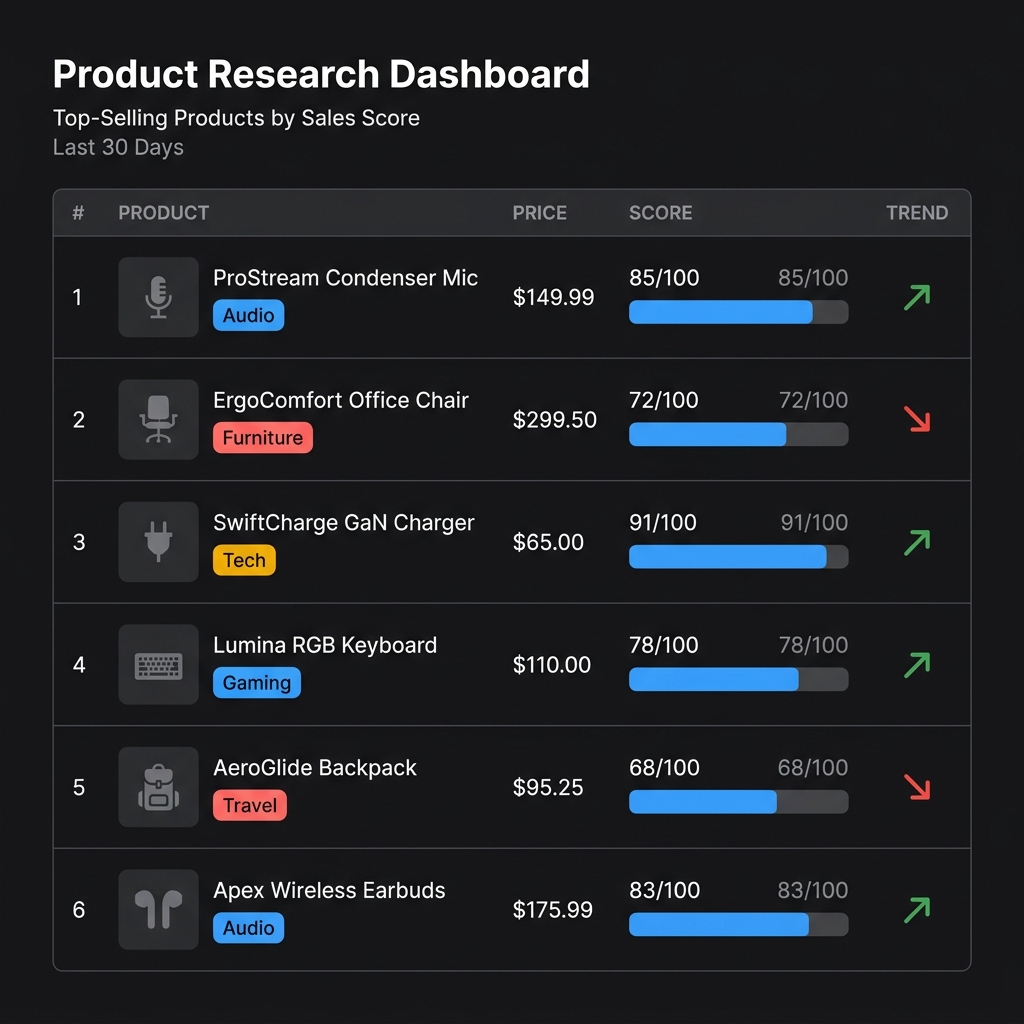
Checking these by hand works for a few products. To follow a whole store's best sellers over weeks, a Shopify bestseller finder and product research tool do the tracking for you.
How do you check if a product is saturated?
A product can be selling well and still be a bad bet for you, because fifty other stores got there first. Before you commit:
- Search Google Images for the main product photo. If the same supplier photos show up on dozens of stores, you'd be competing on price.
- Search the product name with "Shopify" or common store phrases. Count how many stores sell it and how they differ.
- Look at the ads. Many advertisers using near-identical creative means the angle is worn out. One or two distinctive advertisers means there's room.
- Check price compression. If prices across stores have dropped toward the cost price, the margin is gone.
How do you validate a product before testing it?
Use this five-signal check. A product worth testing should pass at least four.
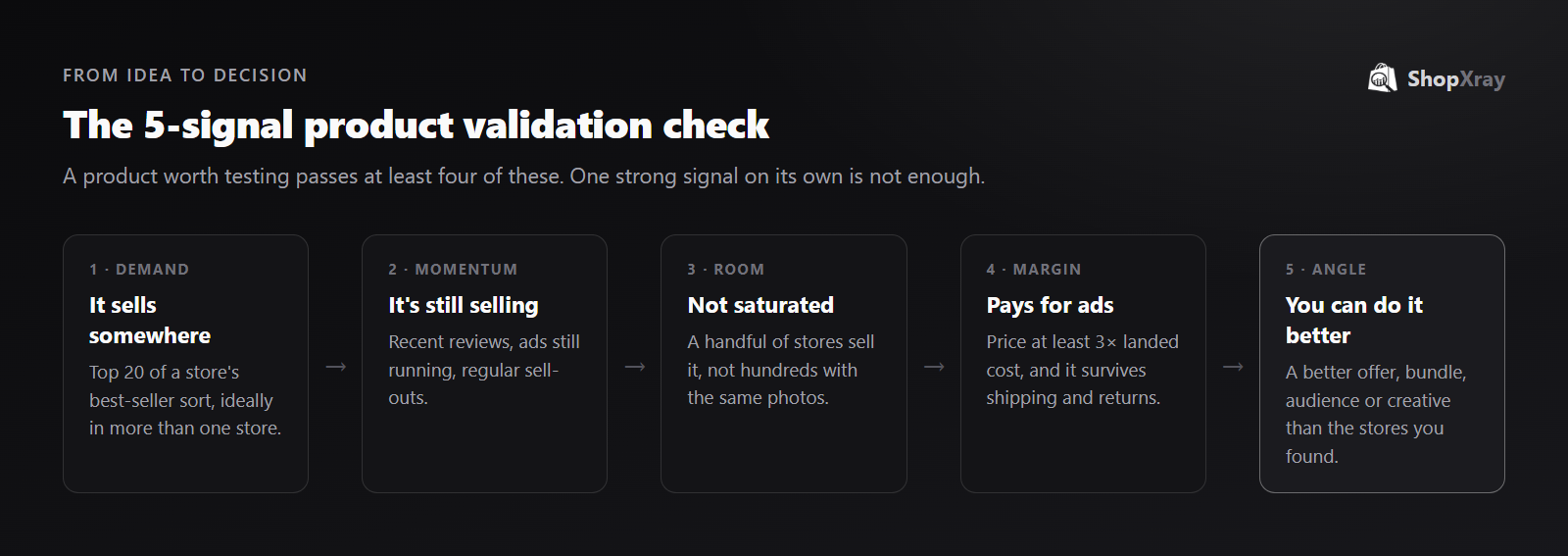
- Demand. It's in the top 20 best sellers of at least one store, ideally several.
- Momentum. Recent reviews, active ads or regular sell-outs show it's still moving.
- Room. It isn't sold by hundreds of stores using the same supplier photos.
- Margin. Your price can be at least three times the landed cost (product, shipping and fees), so there's room for ad spend and returns.
- Angle. You can offer something the existing sellers don't: a better bundle, a sharper audience, better creative, or faster shipping.
The last one matters most. Copying a competitor's product, price and ad gives customers no reason to choose you. Use competitor data to find demand, then compete on the offer.
What should you avoid?
- Chasing viral spikes. A product that blew up last week often has a shelf life of weeks. Look for steady sellers.
- Trusting one store. One store's best seller might be propped up by an influencer deal. Look for the same pattern in several stores.
- Copying branded products. Products that are a brand's own design or trademark aren't yours to sell. Look for categories and needs, not specific listings.
- Ignoring returns. Sizing-heavy products (shoes, fitted clothing) can look like winners until returns eat the margin.
Product research is one part of a broader Shopify competitor analysis. Once you know what a competitor sells, look at how they price it, promote it and keep customers coming back.
Frequently asked questions
How can I see a Shopify store's best-selling products?
Add /collections/all?sort_by=best-selling to the store's domain. If that page is hidden, open one of the store's large collections and add ?sort_by=best-selling to its URL.
Is the best-selling sort accurate?
It reflects sales over time, so it's reliable for what has sold but not for what's selling right now. Combine it with recent reviews, running ads and new variants to confirm a product still has momentum.
How do I know if a product is saturated?
Reverse-search the main product image, count how many stores sell it, and look at the ads. Many stores using the same supplier photos and similar ads, with prices sliding toward cost, means it's saturated.
What margin does a winning product need?
A common rule of thumb is a selling price at least three times the landed cost (product, shipping and payment fees). That leaves room for ad spend, returns and profit.
Can I sell the same product as a competitor?
Generic products, yes. Products that are a brand's own design or trademark, no. Either way, compete on the offer, bundle, audience or creative rather than copying the listing.


