Shopify Theme Detector — Find What Theme Any Store Uses
Instantly identify a competitor's Shopify theme — including name, version, free/paid status, and pricing. No installation needed.
What is a Shopify Theme Detector?
A Shopify theme detector is a tool that identifies which theme a Shopify store is built on. Since design plays a critical role in conversion rates, knowing which theme your competitors use gives you valuable insight into their design strategy — and helps you find proven templates for your own store.
ShopXray's theme detector goes beyond just showing the theme name. It reveals the exact version number, whether the theme is free or paid, the theme price from the Shopify Theme Store, and whether the store has applied a custom name to their theme. This level of detail helps you make informed decisions about your own store's design direction.
What ShopXray Reveals About a Store's Theme
Theme Name & Version
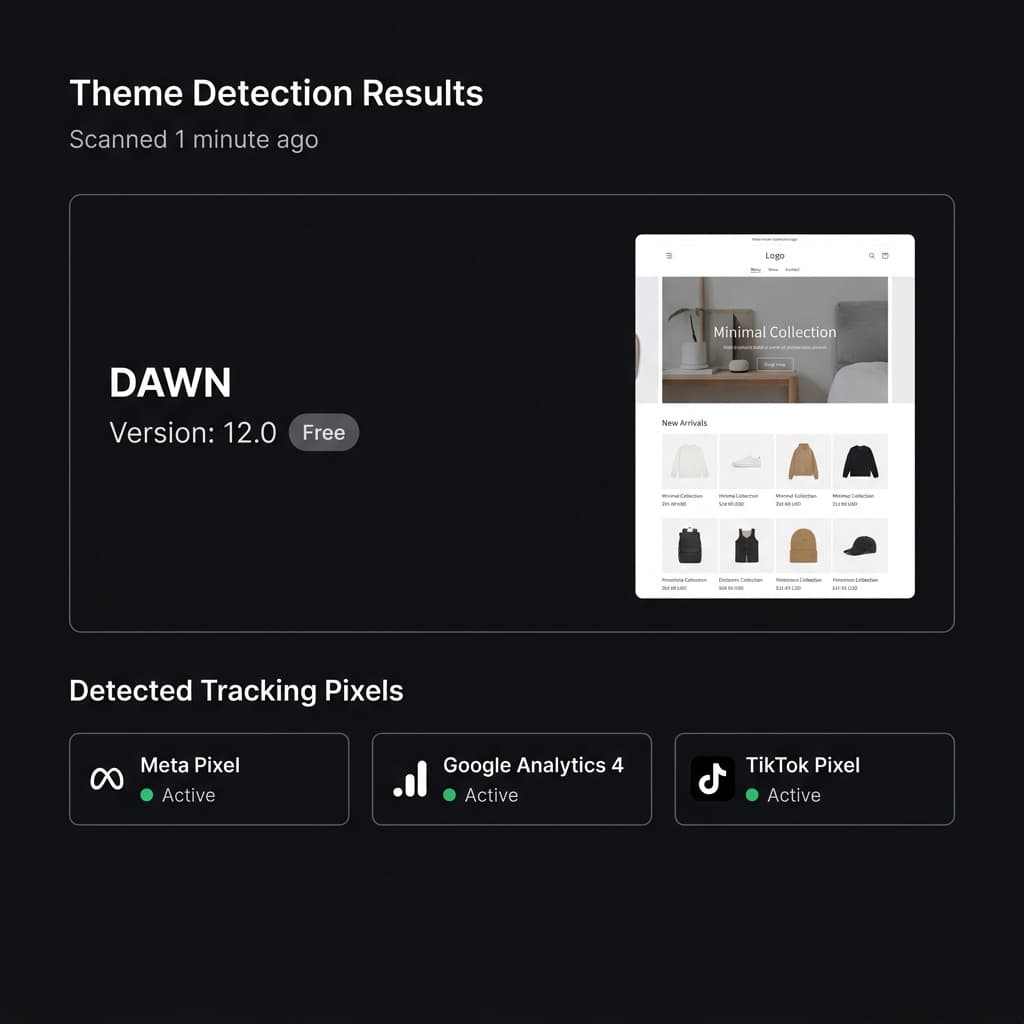
See the exact theme name and version number, whether it's Dawn 12.0, Impulse 7.2, or any other theme.
Free vs Paid Detection
Instantly know whether the store uses a free Shopify theme or a paid premium theme from the Theme Store.
Theme Pricing
For paid themes, see the exact price so you can budget accordingly if you want to use the same theme.
Custom Theme Name vs Original
If the store renamed their theme, ShopXray shows both the custom display name and the underlying original theme.
Tech Stack Context
Theme detection is part of a complete tech stack analysis including tracking pixels, payment gateways, and Shopify plan level.
How to Detect Any Store's Theme
Enter a Store URL
Paste any Shopify store URL into ShopXray.
Instant Analysis
ShopXray identifies the theme, its version, and pricing in seconds.
See Full Details
View the theme name, version, free/paid status, and price.
Why Knowing a Competitor's Theme Matters
Find Proven Design Templates
If a competitor's store looks professional and converts well, their theme is a significant part of that success. By knowing exactly which theme they use, you can evaluate it for your own store — potentially saving thousands on custom development.
Estimate Design Investment
The difference between a free theme like Dawn and a premium theme like Impulse ($350) signals how much a competitor invests in design. This context helps you calibrate your own design budget.
Understand UX Strategy
Different themes offer different features — mega menus, quick-view, video backgrounds, or advanced filtering. Knowing the theme reveals the UX capabilities available to the store, helping you understand their customer experience.
Explore related features
Frequently asked questions
Common questions about detecting Shopify themes.